How AI Is Changing the Way Designers Work With Images
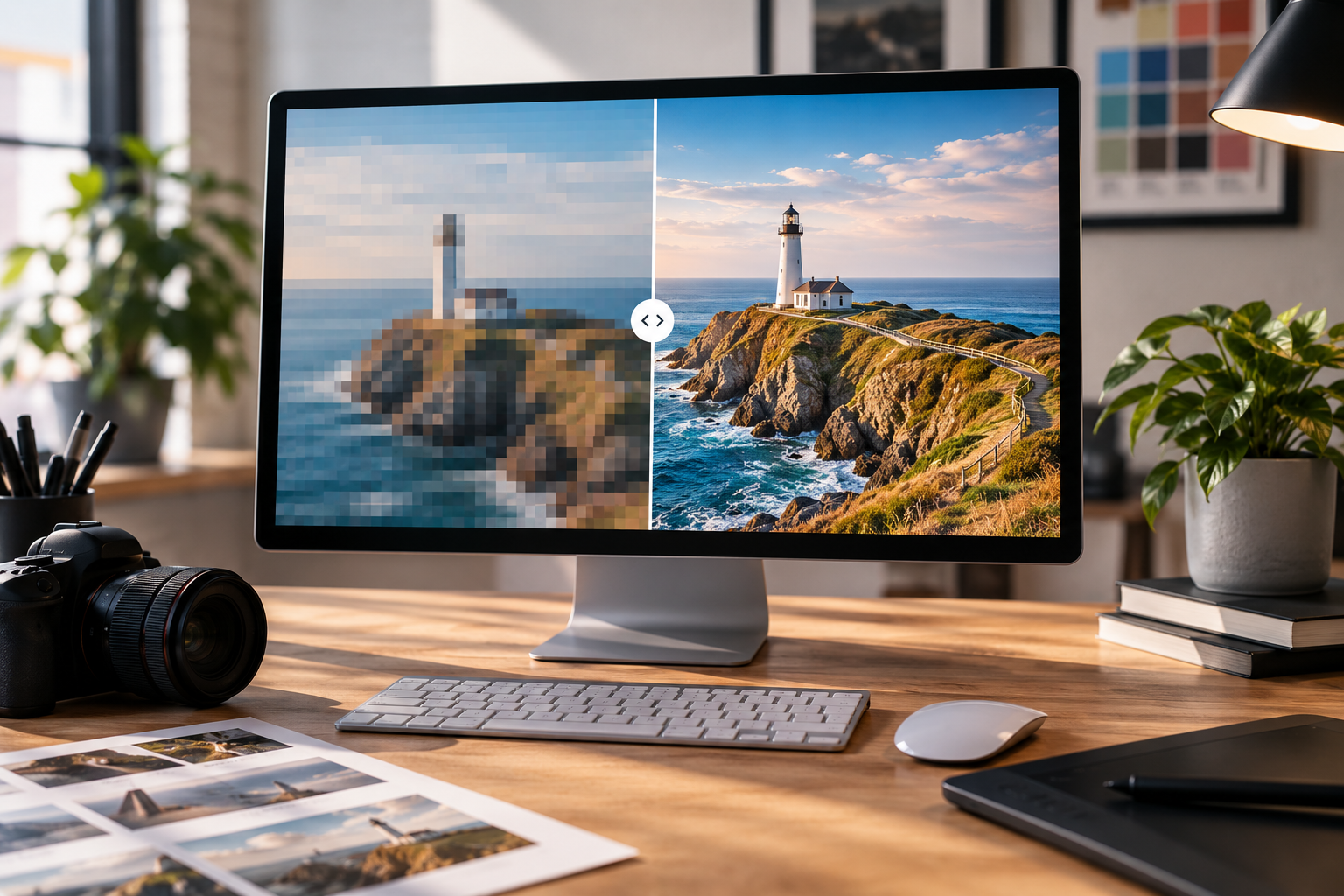
AI is rapidly becoming another tool in the graphic designer’s toolkit. From improving low-resolution images to restoring old photographs, here’s how AI-assisted image editing is changing the creative process.
Artificial intelligence has become one of the biggest talking points in the creative industries. While there has understandably been plenty of discussion around AI-generated artwork and its impact on designers, there is another side to the technology that is arguably much more practical.
Rather than replacing the creative process, AI can be used to support designers with some of the more technical, repetitive or time-consuming aspects of working with imagery.
One particularly useful example is image enhancement and upscaling.
Giving old and low-resolution images a new lease of life
Graphic designers regularly receive images that aren't ideal for the job.
A client might have an old photograph that they want to use in a brochure, a logo may only exist as a small JPEG, or an image downloaded from a website might simply be too low-resolution for professional print.
Traditionally, there has only been so much a designer could do with these files. Increasing the size of a small image would often result in something noticeably pixelated, soft or blurry.
AI-powered upscaling is changing that.
Instead of simply stretching existing pixels, modern AI tools can analyse an image and intelligently recreate additional detail. This can produce a much sharper and more usable result, particularly when working with photographs and other detailed imagery.
For designers, this can mean being able to work with source material that previously would have been considered unsuitable.
AI can help with more than just resolution
Image enhancement isn't limited to making photographs larger.
Modern creative software can also use AI to assist with tasks such as:
Restoring details in old or damaged photographs
Improving sharpness and clarity
Removing unwanted elements
Expanding an image beyond its original boundaries
Colourising black-and-white photographs
Improving facial detail
Adjusting lighting and contrast
Creating variations from existing imagery
This doesn't mean that every image can simply be "fixed" with the click of a button. The quality of the original file, the subject matter and the intended use all make a difference.
However, these tools can give designers considerably more flexibility when working with imperfect source material.
Making the design process more efficient
One of the biggest advantages of AI-assisted image editing is time.
Graphic design often involves much more than creating the final artwork. Designers can spend considerable amounts of time preparing photographs, correcting imperfections, resizing assets and adapting imagery for different formats.
AI can help speed up some of these processes.
For example, a photograph originally supplied for a website may need to be enlarged for a printed brochure. Previously, this might have meant searching for a higher-resolution version or asking the client to provide a better-quality image.
Today, an AI upscaling tool may be able to produce a much more suitable version in a fraction of the time.
That doesn't remove the designer from the process. Instead, it allows them to spend more time on the parts of the job where creative judgement and experience really matter.
The designer is still in control
It's important to remember that AI is a tool rather than a replacement for design expertise.
An AI application can improve an image, but it doesn't necessarily understand the wider purpose of that image.
A designer has to consider questions such as:
Does this image fit the brand?
Does it communicate the right message?
Will it work alongside the typography and layout?
Is the image appropriate for the intended audience?
Does the final result actually look believable?
These decisions still require human judgement.
In fact, the increasing availability of AI tools arguably makes the designer's role in selecting, directing and refining visual content even more important.
There are still limitations
AI image enhancement isn't perfect.
When an image contains very little original information, an AI system may have to make educated guesses about what missing details should look like. This can occasionally produce results that look convincing at first glance but aren't necessarily accurate.
This is particularly important when dealing with photographs of people, products, buildings or other subjects where accuracy matters.
For professional designers, AI therefore works best when it is treated as an enhancement tool rather than an automatic solution.
The designer still needs to inspect the result carefully and decide whether it is suitable for the project.
What does this mean for graphic design?
The role of AI in graphic design is likely to continue evolving.
Rather than thinking about AI solely in terms of generating complete designs from a prompt, it's worth looking at the smaller ways it can improve an existing creative workflow.
For a designer, being able to rescue an otherwise unusable photograph, enhance an old image or prepare artwork more efficiently can be extremely valuable.
It can also open up creative possibilities.
Images that previously couldn't be used because they were too small or poor quality may suddenly become viable options. Archive photography can be incorporated into modern branding. Existing client assets can be adapted for new campaigns. And designers can experiment with imagery without every change requiring a lengthy manual process.
AI as another tool in the designer's toolkit
There is understandably a lot of debate surrounding AI and the future of the creative industries. However, not every application of AI is about generating an entire piece of creative work from scratch.
Some of the most useful applications are much simpler.
AI can help designers spend less time fighting with technical limitations and more time concentrating on ideas, communication and creativity.
At Cosanostra Design, we see technology as another part of the creative toolkit. The software may change, but the fundamentals of good design remain the same: understanding the brief, communicating the right message and creating something that works for the intended audience.
The most effective use of AI isn't necessarily about letting technology do the designing. It's about giving designers better tools to bring their ideas to life.
SOURCE | This article was inspired by research and examples discussed in Design Week's feature, "How creatives are using AI to transform the way they work with images", published 5 January 2026. Read the original article on Design Week: https://www.designweek.co.uk/how-creatives-are-using-ai-to-transform-the-way-they-work-with-images/?utm_source=chatgpt.com